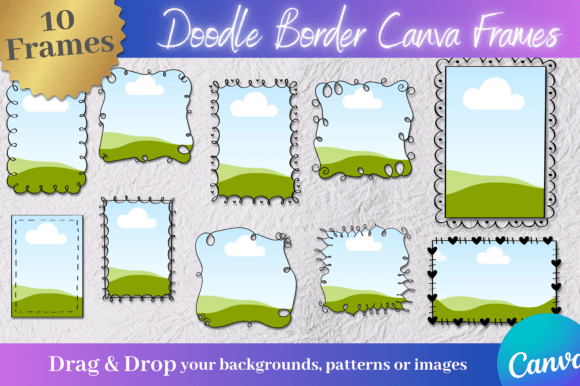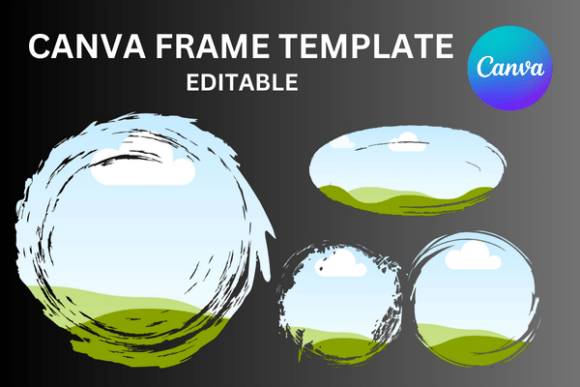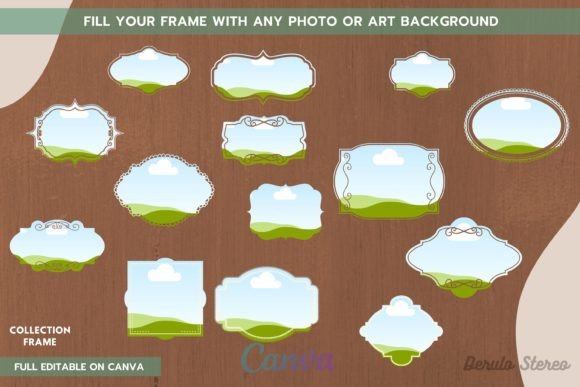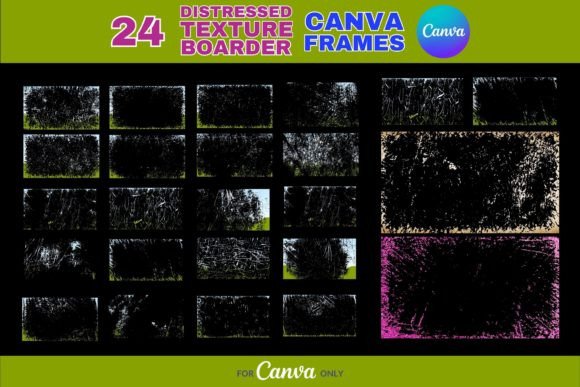
Elevate Your Designs with 24 Distressed Texture Border Canva Frames
In the world of digital design, standing out often means embracing imperfection. That’s where the 24 Distressed Texture Border Canva Frames come in—a versatile collection of vintage-inspired templates that bring warmth, character, and a handcrafted feel to your projects. Unlike clean-cut, modern designs, these frames add a layer of tactile realism that can make your content feel more authentic and engaging. Whether you’re a small business owner, a social media manager, or a creative hobbyist, these frames offer an effortless way to infuse rustic charm into your work without starting from scratch.
Understanding the Aesthetic: Rustic Charm Meets Digital Ease
Each of the 24 Distressed Texture Border Canva Frames is designed to mimic the look of aged paper, weathered wood, or subtly eroded surfaces. The textures are intentionally imperfect, with soft edges, light scratches, and faded tones that evoke a sense of history and craftsmanship. This style works particularly well for projects that aim to feel personal, nostalgic, or grounded—think artisan product showcases, vintage-themed invitations, or heartfelt social media announcements. The frames are not just decorative; they help set a mood. By wrapping your content in these borders, you immediately signal a certain aesthetic to your audience, which can strengthen brand perception and emotional connection.
What makes these frames especially practical is their optimization for Canva. You don’t need advanced design skills or expensive software to use them. After downloading, you simply access the editable templates in Canva, drop in your images or text, and adjust colors or sizing as needed. This accessibility makes them ideal for entrepreneurs who need to produce professional-looking content quickly, or for bloggers who want a consistent visual style without investing hours in design. The frames come in various sizes, so whether you’re creating an Instagram post, a Pinterest pin, or a printed invitation, there’s a template ready to go.
Where These Frames Shine: Practical Applications
The true value of the 24 Distressed Texture Border Canva Frames lies in their versatility. They’re not limited to one type of project. For example, a café owner might use them to frame daily specials or menu items, giving their social media graphics a cozy, rustic vibe that aligns with their brand. A wedding photographer could apply these frames to portfolio images, enhancing the romantic, timeless quality of their work. Even in corporate settings, these borders can soften the look of a presentation or annual report, making data-heavy slides feel more approachable.
Consider how texture influences visual hierarchy. A distressed border naturally draws the eye inward, focusing attention on the central content—whether that’s a product photo, a quote, or a call-to-action. This can improve engagement, especially on busy platforms like Instagram or Pinterest, where users scroll quickly. The frames also help with brand consistency. If your business leans into a vintage, handmade, or organic aesthetic, using these borders across your content reinforces that identity. Over time, your audience will start to associate that textured, rustic style with your brand, which aids recognition and recall.
Choosing and Using the Frames Effectively
While the 24 Distressed Texture Border Canva Frames are designed to be user-friendly, a little strategy goes a long way. Start by considering the mood of your project. The collection includes a range of textures—from subtly aged to more pronounced distressing—so choose one that complements your content rather than overwhelming it. For instance, a light, faded border might work well for a soft, feminine brand, while a darker, more textured frame could suit a rugged, masculine product line.
Pay attention to font pairing if you’re adding text. These frames pair beautifully with serif fonts for a classic look, or with handwritten fonts for a more casual, personal touch. Avoid overly sleek, modern sans-serif typefaces unless you’re intentionally creating contrast. The key is to maintain visual harmony between the border’s rustic feel and your typography. Also, test how the frame looks with your actual content before finalizing. Sometimes a border that looks stunning in isolation might compete with a busy image or complex layout. Simplicity often wins here—let the frame enhance, not distract.
Finally, remember that these are design assets meant to serve your creative goals. They’re not just decorative elements; they’re tools for storytelling. Whether you’re crafting a brand identity, designing social media graphics, or putting together a digital invitation, the right frame can elevate your message and make it more memorable. The 24 Distressed Texture Border Canva Frames give you a professional foundation to build upon, saving you time while ensuring your work feels polished and intentional.