Elevate Your Independence Day Designs with Canva
The Fourth of July is more than just a date on the calendar; it is a massive visual event. For designers, marketers, and small business owners, the weeks leading up to Independence Day represent a critical window for engagement. Whether you are launching a limited-time sale, creating social media graphics for a local event, or designing festive party invitations, the quality of your visual assets determines whether your message gets noticed or scrolls past. This is where having the right design assets becomes a game-changer.
Standard clipart often falls flat. It looks generic, pixelated, and fails to capture the spirit of a premium celebration. To truly stand out, you need high-resolution, versatile tools that allow for creative freedom without the technical headaches. This is why the America 4th of July Canva Template Frame has become an essential resource for creators who need professional results quickly.
Understanding the America 4th of July Canva Template Frame
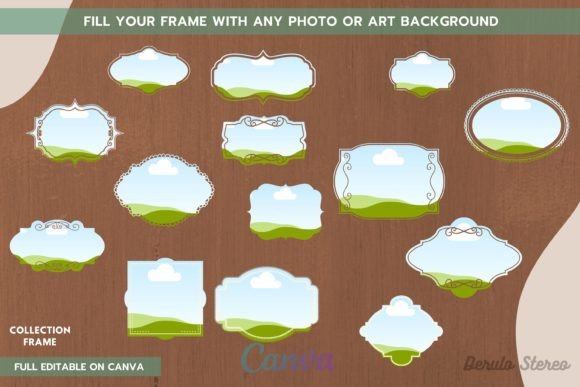
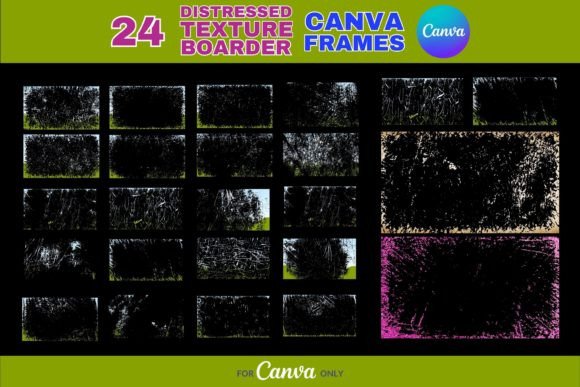
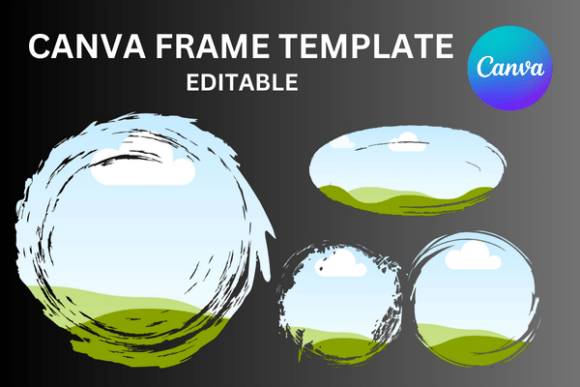
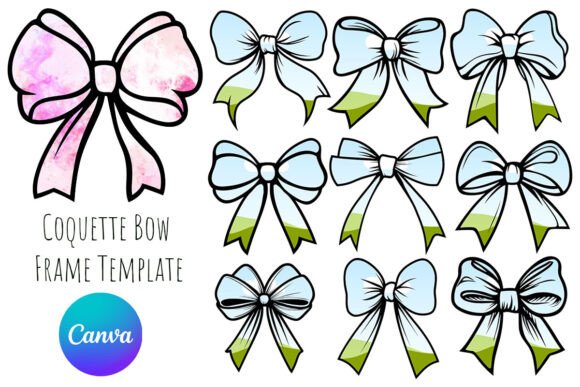
At its core, this product is a versatile digital tool designed to streamline your creative process. When you purchase this product, you will receive one zip file. To get started, simply unzip the file to access the contents. Inside, you will find a single PDF file. This document contains a direct link to Canva. By clicking this link, you gain immediate access to the frame templates.
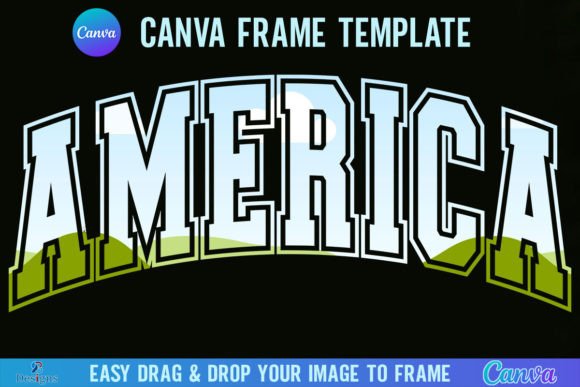
The visual appeal of this frame lies in its festive yet clean aesthetic. It captures the essence of American patriotism through thematic elements that frame your content without overwhelming it. The design is structured to draw the viewer's eye inward to your central message, whether that is a product photo, a logo, or a promotional text block. It functions as a premium font does in typography—it sets the stage and the mood immediately.
The package includes two distinct variations: a Grouped template and an Ungrouped template. This distinction is vital for web design and graphic creation. The Grouped version allows you to move the entire frame as one solid unit, ensuring your layout stays perfectly aligned. The Ungrouped version breaks the elements apart, giving you the flexibility to adjust individual components, resize specific decorations, or change colors of specific parts of the frame to match your brand identity.
Seamless Integration and High-Resolution Flexibility
One of the biggest hurdles in design is working with restrictive file types. The America 4th of July Canva Template Frame solves this by offering a massive canvas size of 4000x4000 pixels. This high resolution ensures that your graphics remain crisp and professional, whether they are viewed on a high-definition retina screen or printed on physical marketing materials.
The workflow is designed for maximum efficiency. The templates are built for a simple "drag and drop" functionality. You can take any PNG or JPG background image—such as a product shot, a team photo, or a textured background—and drop it directly into the frame. The image automatically fills the space. This is particularly useful for packaging design concepts or social media graphics where you need to swap out background images rapidly to test different visual strategies.
However, there is a technical nuance to consider regarding your Canva subscription level. You will need a free Canva account to open and edit the templates. For most users, this is sufficient to change text, swap images, and modify colors. But, if your project requires a transparent background—for example, if you want to overlay the frame onto a complex website background or a video project—you will need a Canva Pro version or higher. This capability turns the frame into a standalone asset that can be integrated into complex editorial design layouts.
Real-World Applications for Marketing and Branding
The versatility of the America 4th of July Canva Template Frame extends across various industries. It is not just a seasonal decoration; it is a strategic marketing tool.
For entrepreneurs and e-commerce store owners, the frame serves as an instant "sale" badge. Instead of hiring a designer to create a custom banner for a July 4th flash sale, you can use this frame to wrap around your best-selling product images. It instantly communicates "special event" and "limited time offer," which can significantly boost click-through rates.
Bloggers and content creators can use the frame to create cohesive Pinterest pins or Instagram Stories. The square 4000x4000 format is perfect for Instagram posts, while the high resolution allows for cropping into vertical formats without losing quality. By using the frame consistently across your holiday content, you build visual recognition. Your audience will instantly associate the festive frame with your holiday content, strengthening your brand identity.
For local businesses, such as restaurants hosting a BBQ event or community centers organizing a parade, the frame is invaluable for print materials. Flyers, posters, and menus can be designed in minutes. The professional finish of the frame elevates the perceived value of the event, making it look well-organized and exciting.
Important Considerations for Crafters and Designers
It is crucial to understand the technical specifications of this product to ensure it fits your specific workflow. This is a digital product; no physical frames will be shipped to you. It is a Canva Frame Template file only.
A common point of confusion involves file compatibility. This template is not an SVG file. Consequently, it is not suitable for use with Cricut or Silhouette cutting machines. If you are a crafter looking to cut physical shapes out of vinyl or cardstock, this file will not work for that purpose. Instead, think of this as a modern typography and graphic design tool intended for digital screens and standard print (paper, flyers, posters).
When evaluating the fit for your project, consider the style of the frame. Does it align with your existing visual hierarchy? If your brand is ultra-minimalist, the festive elements might clash. However, if you are aiming for a celebratory, energetic, and patriotic vibe, this asset is perfectly suited. It pairs well with bold sans serif fonts for headlines or classic serif fonts for a more traditional, elegant look.
Maximizing Your Design Strategy
To get the most out of this resource, approach it as a starting point rather than a finished product. Use the America 4th of July Canva Template Frame to establish your layout, then refine the details. Experiment with font pairing—try combining a bold display font for the main message with a clean sans-serif for the details. Adjust the colors of the frame elements to match your specific brand palette if the Ungrouped version allows for it.
Ultimately, this frame is about saving you time and money while elevating your visual output. It eliminates the need to start from a blank canvas and removes the guesswork from creating festive layouts. By integrating this tool into your July 4th campaign, you ensure that your graphics look polished, professional, and ready to celebrate.